

On this page
Subscribe to receive the latest blog posts to your inbox every week.
By subscribing you agree to with our Privacy Policy.
Hi, my name is Rachel, and I’m a Senior Solutions Architect here at KODE Labs. In this Inside the Dashboard walkthrough, I’m going to show you how KODE’s Functional Testing Tool automates functional testing and replaces manual spreadsheets, helping teams move from days of manual work to overnight, unit-level reports.
Functional testing is a core part of commissioning. It’s how engineers confirm that equipment and controls operate the way they were designed, before turnover, before comfort issues, and before small gaps become repeat work orders.
But for years, the workflow looked the same: engineers went unit by unit, ran tests manually, and documented results in spreadsheets. The process was slow, resource-intensive, and often ended in static spreadsheet outputs that were difficult to scale and quickly became outdated, especially when testing large numbers of terminal units across a building.
That’s where FTT (Functional Testing Tool) modernizes that process.
Built into KODE OS, FTT digitizes functional testing by letting engineers remotely command and verify key operational functions like airflow, temperature, pressure, and damper response consistently and repeatably. Each test run is scored, the results are stored, and every unit has a clear unit-level record you can review and share.
Instead of chasing spreadsheets and manual checklists, you get repeatable testing at scale with less time spent on documentation and fewer inconsistencies.
FTT is designed for real commissioning timelines and operational constraints: tight schedules, high unit counts, and limited bandwidth, delivering the speed and rigor needed for high-volume, time-sensitive terminal unit testing. Here’s how our users typically use it:
Create a reusable baseline for operations: Save unit-level results at turnover so there’s a clear “as-tested” reference point later.
A practical application of FTT is Fan Powered Terminal Unit (FPTU) testing, where manual workflows can quickly become a bottleneck.
For a KODE REIT client, FTT replaced spreadsheet-based workflows used during FPTU commissioning. Engineers ran automated heating and cooling tests, validated performance against the design criteria, and surfaced small but essential issues digitally.
What used to take days of manual execution and documentation was completed overnight, with individual reports per unit ready for review the next morning to clearly see outcomes and focus on only the units that needed attention.
In practice, it’s a simple shift: from waiting for issues to show up to staying ahead of them, verifying performance, fixing exceptions early, and keeping a clear record for every unit.
FTT supports functional testing during new construction commissioning, helping engineers validate equipment operation before turnover with consistent, unit-level results.
Once the building is live, that same testing capability becomes continuous commissioning, allowing engineers and operators to re-test equipment whenever needed after a change, repair, seasonal shift, or comfort issue.
That matters because buildings don’t stay the same. Setpoints evolve, equipment drifts, overrides happen, and performance can degrade quietly. With FTT, you can re-verify operation when it matters after a fix, after a change, or when results don’t match expectations.
Over time, these insights help properties transition from fixed maintenance schedules to needs-based servicing, reducing unnecessary work while improving reliability and comfort.
With pre-scheduled tests running automatically, teams using FTT consistently report faster insights, better performance control, and greater confidence in how their building systems operate day-to-day.
FTT from KODE Labs accelerates commissioning, optimizes servicing, and powers the buildings of tomorrow.
If you want to learn more about how FTT can impact your commissioning and building operations, let’s connect on LinkedIn or book a demo with our team.

Rachel Kennedy
Senior Solutions Architect, KODE Labs
News, insights and resources from the world of smart building management.
By clicking "Sign Up" you're confirming that you agree with our Terms and Conditions.
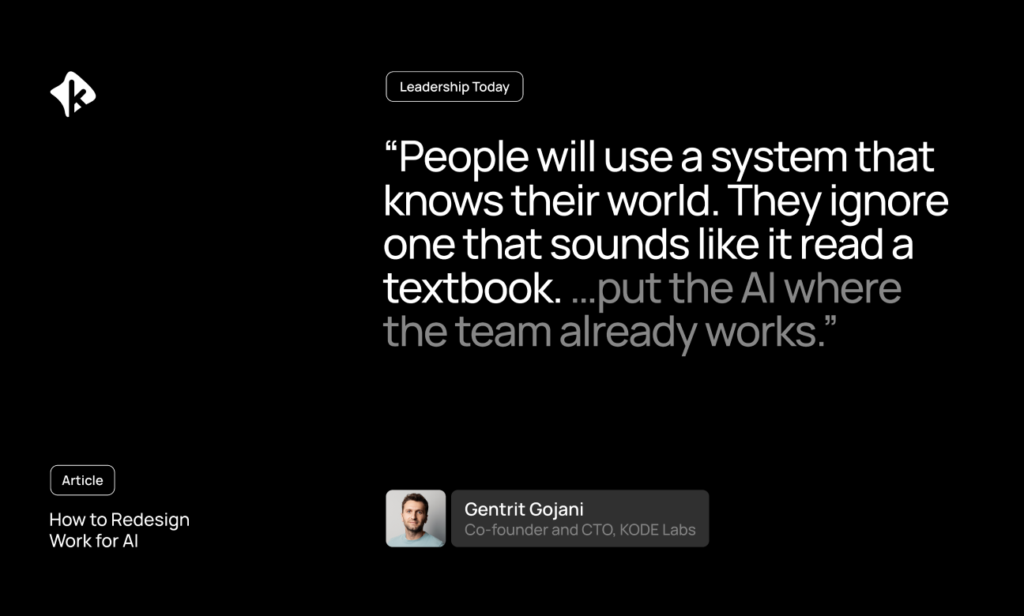
Originally published on Leadership Today To redesign work for AI, leaders have to look beyond adding new technology to existing jobs…
Read more

For commercial real estate owners, utility costs are easy to think of as a monthly expense to reconcile, report and…
Read more
August was about making scale easier. As portfolios grow, operational complexity grows with them. More maintenance work needs to be…
Read more
