On this page
Subscribe to receive the latest blog posts to your inbox every week.
By subscribing you agree to with our Privacy Policy.
May was about improving operational continuity across KODE OS.
This month, we focused on making historical data recovery easier and more transparent, improving accessibility across the platform, accelerating dashboard responsiveness, expanding preventative and compliance maintenance workflows, and growing the KODE OS integration ecosystem.
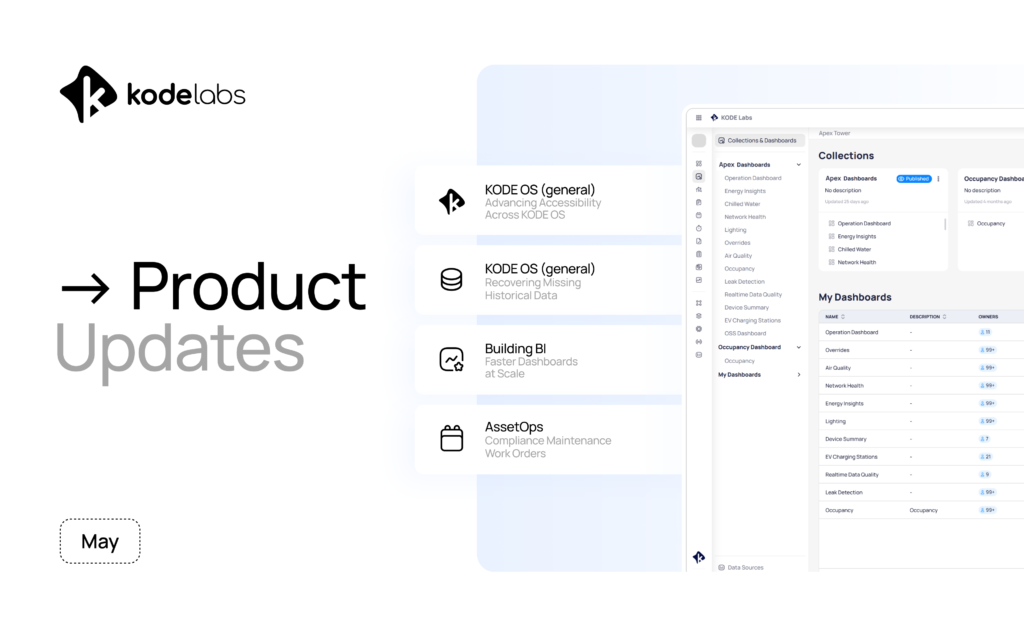
Here’s what shipped.
Teams can now request, track, retry, and manage historical operational data backfills directly within KODE OS.
Supported Use Cases:
What This Enables:
Greater confidence in dashboards, analytics, and historical reporting by making operational data recovery transparent, auditable, and self-service.
Users can now:
This transforms historical data recovery from a manual support process into a visible product workflow.
May introduced a new wave of accessibility improvements across KODE OS as teams continue aligning the platform with WCAG 2.2 AA standards and broader enterprise compliance requirements.
What’s New:
Accessibility upgrades were rolled out across:
These updates improve:
Why It Matters:
Building BI continues improving performance and responsiveness across large, data-heavy dashboards.
What’s New:
Optimized Table & Pivot Performance: Major backend optimizations reduce unnecessary rendering, simplify tooltip logic, improve caching, and reduce expensive processing operations.
Incremental Data Pipelines: Pipelines can now detect late-arriving data and recompute only affected time windows instead of reprocessing full datasets.
Why It Matters:
AssetOps continues expanding compliance visibility and schedule flexibility across maintenance workflows.
What’s New:
Floating Schedule Logic: Preventive Maintenance and Inspection schedules now support configurable Fixed vs Floating recurrence logic, automatically adjusting future schedules based on actual completion timing.
Compliance Maintenance Work Orders: A new Compliance Maintenance work order type introduces a dedicated compliance layer for reactive safety-related work.
Work Completion Date Tracking: Work Orders now automatically capture completion dates when all tasks are marked complete, with support for compliance review adjustments.
Why It Matters:
May expanded the KODE OS integration ecosystem with new integrations, connector upgrades, and enhanced historical data recovery workflows across HVAC, maintenance, workplace, and operational systems.
Read about them here.
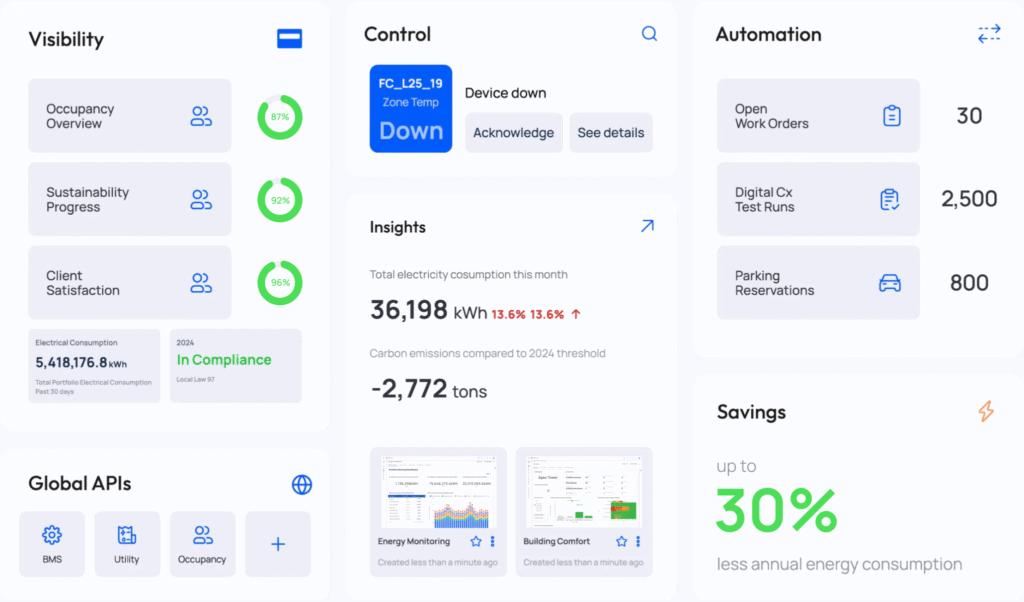
KODE OS connects building systems, data, and workflows into one unified platform, giving your teams (and AI) the context needed to move faster, make better decisions, and drive measurable results.
Explore how it all comes together.
News, insights and resources from the world of smart building management.
By clicking "Sign Up" you're confirming that you agree with our Terms and Conditions.
Your tenant already knows there’s a problem. Why don’t you? A conference room slowly warms throughout the morning. CO₂ levels…
Read more
Originally posted on Mann Report Ask your facility manager how many vendors currently have remote access to your building. Most…
Read more
Originally published on Facility Executive. Integration and expanded policy mean federal building management platforms now require the same heavy security…
Read more