

On this page
Subscribe to receive the latest blog posts to your inbox every week.
By subscribing you agree to with our Privacy Policy.
January delivered a set of focused improvements across KODE OS, enhancing usability, reliability, and everyday workflows across analytics, data engineering, diagnostics, and integrations. Together, these updates help teams work faster, trust their data more deeply, and resolve issues with greater confidence.
Behind the scenes, this work also sets the stage for larger releases coming soon.
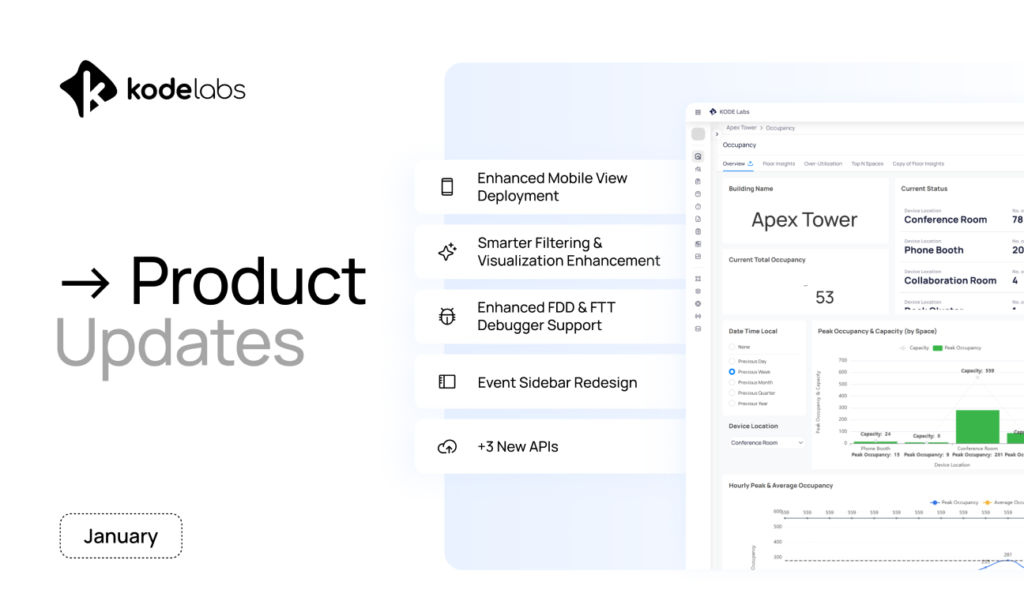
What’s new: Building BI now supports auto creation of mobile views for dashboards, alongside fixes that address common friction points when configuring mobile layouts, such as widget placement issues.
Why it matters: Teams can deploy mobile dashboards faster and with less manual effort. This makes it easier to ensure insights are available in the field, on the move, and wherever operational decisions are being made.
What’s new: Widget configuration now supports drag & drop reordering of dimensions and metrics, giving users full control over field order and classification without removing and rebuilding widgets.
Why it matters: Dashboard authors can iterate faster, experiment freely, and fine tune visualizations without unnecessary rework, saving time and reducing frustration.
What’s new:
Why it matters: These improvements make dashboards easier to interpret, govern, and maintain, especially at portfolio scale where clarity and consistency matter most.
What’s new: Status is now fully supported inside the FDD routine and FTT workflow debugger, resolving previous scenarios where workflows could become blocked when using point status.
Why it matters: Debugging complex routines is smoother and more reliable, allowing teams to diagnose and resolve issues without interruption.
January also introduced improvements to the event sidebar experience, along with multi-point trending support, making it easier to analyze behavior across related points.
January expanded the integration library with three new APIs. Read about them here.
KODE OS brings building systems, data, and workflows into one place so your teams (and AI) always operate with context, spanning Cloud BMS, Building BI, Digital Maintenance, and more.
If you’re new here, explore how these modules work together to deliver measurable outcomes.
News, insights and resources from the world of smart building management.
By clicking "Sign Up" you're confirming that you agree with our Terms and Conditions.
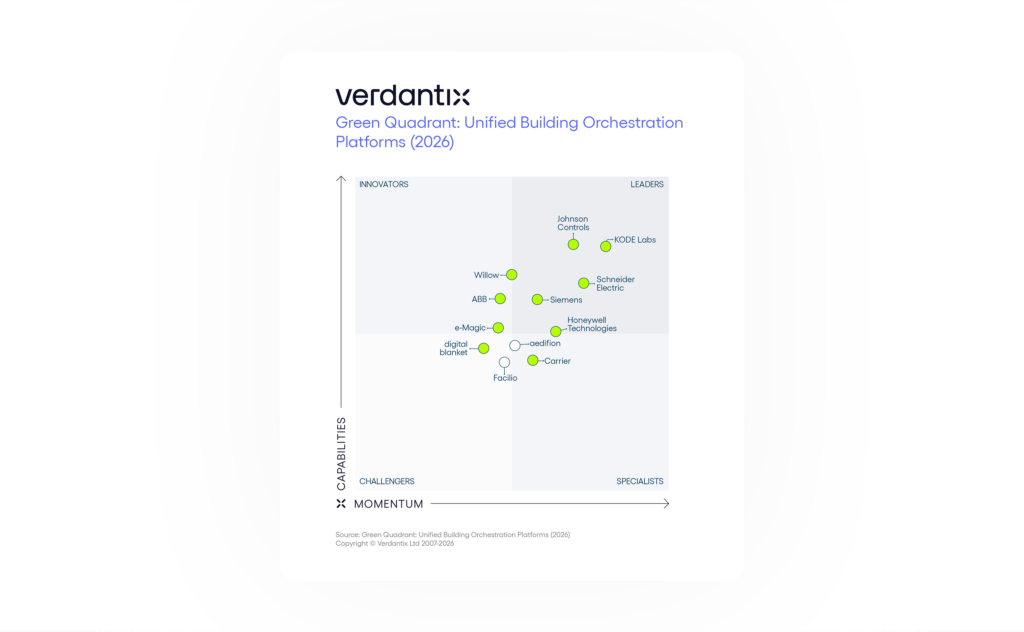
Verdantix has named KODE Labs a Leader in its Green Quadrant: Unified Building Orchestration Platforms (2026). More important than the…
Read more
Independent research recognizes KODE OS as the building operating system connecting fragmented systems, data and workflows across complex real estate…
Read more
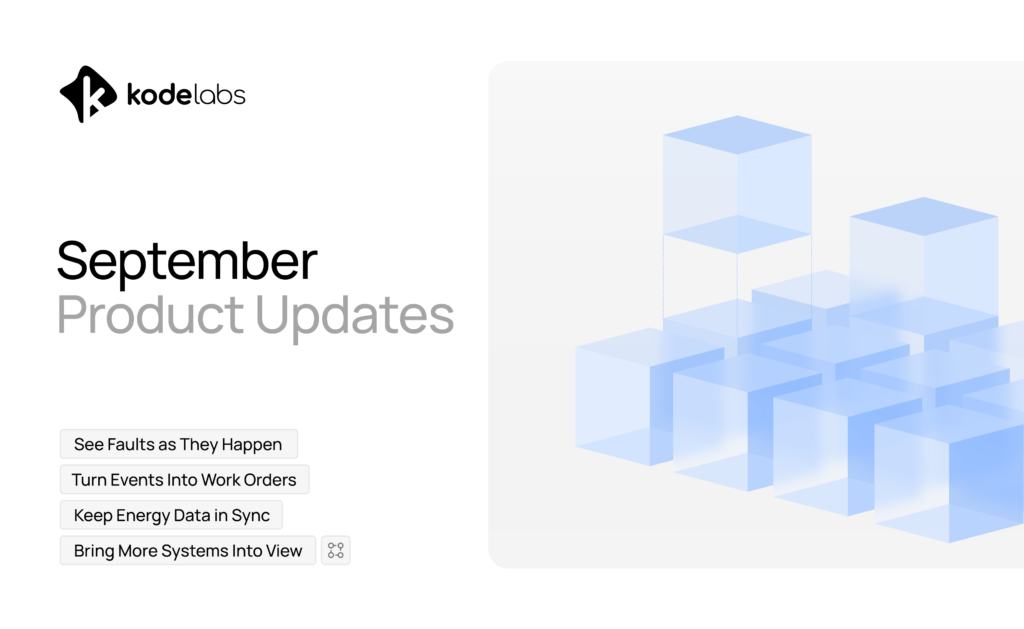
September was about closing the gap between seeing and acting. Operational teams aren’t short on signals. Faults surface in FDD.…
Read more
