On this page
Subscribe to receive the latest blog posts to your inbox every week.
By subscribing you agree to with our Privacy Policy.
Your buildings run on systems from different manufacturers, installed at different times by different contractors, and each one reports in its own way. Your team works across separate logins, naming conventions and service partner reports just to understand how one site is running. In these environments, checking buildings across the portfolio is slow, manual work, and visibility gets harder when you start comparing them.
Replacing the controls across the portfolio is one way to solve this, but it means years of capital work in occupied buildings. Multi-vendor BMS integration lets you keep what is installed and bring every system into one data model, so you can see and act on the whole portfolio from one place.
In Verdantix’s 2026 corporate survey, 66% of respondents said visibility over data and processes had a significant impact on their decision to consolidate system. The three organizations in this case study were dealing with the same thing:
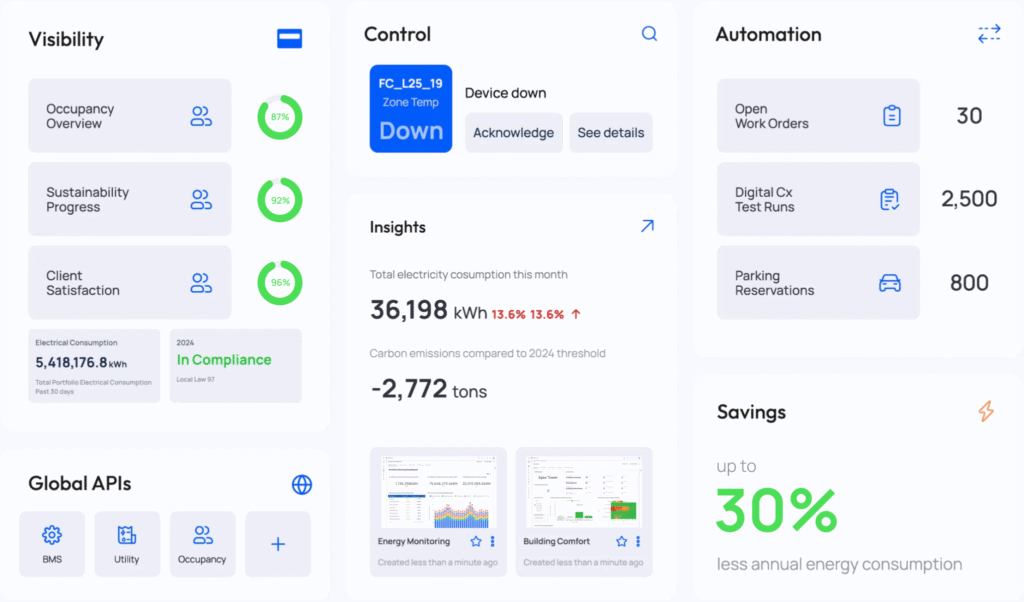
Each of these organizations kept its existing controls and connected every building to KODE OS, a unified building orchestration platform for monitoring, controlling and improving building operations across a portfolio. Read on to see how they did it, and how their teams now run day-to-day operations across every site from one view: finding and fixing faults, controlling equipment remotely, and tracking energy, comfort and occupancy.
Multi-vendor BMS integration connects building systems from different manufacturers into one platform and one data model. In this case study, three organizations kept their existing controls, connected them to KODE OS through APIs and gateways, and normalized the data from every equipment type. Each team now sees all of its buildings in one place and can act on them remotely.
Each of these three portfolios had the same underlying problem: its building systems worked on their own terms, so nobody could see or compare the whole portfolio.
Client A runs hundreds of branches in North America with no engineers on site. Smart thermostats control heating and cooling. Comfort issues and seasonal changes either waited for a technician’s visit or relied on branch staff. The organization wanted a new platform without replacing the thermostats it had already installed.
Client B owns a portfolio of offices and shopping centers in Europe. Its offices use four different BMS platforms, plus separate access control and air quality sensors. Most of its shopping centers had no BMS connection at all. Their operating data sat with outsourced service partners and in separate foot traffic, energy and work-order tools.
Client C took over a recently built European headquarters with its systems already installed. The BMS was well commissioned but had no fault detection. In addition, the building had dense air quality and occupancy sensors, but their readings weren’t being used to adjust heating, cooling or how space was used.
Takeaway: the portfolios differed in size and type, but each needed one view across systems it already owned.
All three buyers asked for the same thing: one platform that works with the equipment already in place, regardless of manufacturer.
KODE OS covers these as standard capabilities: 250+ integrations, a common data model, monitoring and supervisory control, fault detection and functional testing, Building BI, and SOC 2 Type II certification for the IT review.
With KODE, each client kept what was installed and KODE OS was added as one platform on top of it.
If you are running a similar evaluation, these are the same eight questions we suggest asking any smart building platform vendor.
Takeaway: every buyer listed multi-vendor BMS integration with its existing equipment as a core requirement.
In every portfolio, KODE OS sits on top of the controls already installed. The BMS keeps running the equipment. KODE reads its data and, where the client allows, sends commands back.
Takeaway: the same multi-vendor BMS integration approach worked for an office and retail portfolio on four BMS brands, a single headquarters and a network of hundreds of branches.
Here is the multi-vendor BMS integration approach used across all three portfolios, in six steps.
Connecting a building takes about six weeks on average.
Takeaway: most of the multi-vendor BMS integration work is in step 4. Once the data model is in place, everything built on top of it scales.
After multi-vendor BMS integration, each team works from one view of all its buildings. What they watch depends on the problem they own.
Client A manages its branches from the platform. Technicians and the facilities provider change setpoints, fan modes and HVAC modes remotely, and the command log records every change. Around the fall changeover, the team sent thousands of remote setpoint and mode changes in a single month. In addition, fault rules watch thermostats at every branch, including ones branch staff left out of auto mode.
Client B split its estate into two portfolio views, one for workplace and one for retail, because the two teams solve different problems. The office team watches equipment status, comfort, air quality, access-based occupancy and energy used when buildings are empty. Meanwhile, the retail view tracks equipment and open faults at the centers with a BMS. More than 100 fault rules run across offices and shopping centers. The next phase adds cleaning, security, work orders, utilities and footfall data across its shopping centers.
Client C had no fault detection on its BMS. Today, 18 fault rules watch comfort and air quality against WELL thresholds, plus heating and cooling failures and failed sensors. A WELL dashboard shows a 97% comfort score during business hours. Occupancy data provides detailed space utilization rates, so the team can match HVAC and space to how people actually use the building.
Takeaway: once the systems shared one model, each team could act on the problem it owns from one place.
Unified building orchestration describes four stages: Connect, Unify, Orchestrate and Verify. Multi-vendor BMS integration covers the first two stages. These three portfolios show both in practice, and the start of the third.
If you are planning the same work, start with the five checks to make before connecting existing building systems. That guide covers which systems to connect, what information your team needs, what operators should be able to do, and what work gets the connections ready. It also explains why linking data to the right equipment and spaces matters as much as the connection itself.
Connecting every building to one data model does more than give these teams a single view. It also takes care of the groundwork AI in building operations depends on: consistent, reliable data from every system. In these three portfolios, KODE OS has already done that work. As a result, AI tools can work from the same live data as the operations team. They can watch every building for faults, overrides and equipment running out of hours, send each issue to the right person, and answer a plain question about any site, such as which buildings ran outside schedule last night. That shared data is what AI-ready building operations are built on, and it is already in place across all three portfolios.
These three organizations started with buildings that couldn’t be seen or compared as one portfolio. They kept their existing controls and used multi-vendor BMS integration to connect the systems already installed to KODE OS, bringing every building into one data model.
What changed depends on the problem each team owns:
The same data model also prepares each portfolio for what comes next, including AI in building operations.
If your buildings run on systems from different manufacturers, the starting point is the same: connect what you already have. See what that would look like for your portfolio with KODE OS.
It connects building management systems and other building systems from different manufacturers into one platform and one data model. Teams can then see and act on every building in one place.
No. In all three portfolios in this case study, the installed controls kept running the equipment. KODE OS connected on top of them through gateways and APIs.
It connects each BMS through a gateway and other systems through their APIs. Reusable templates then map every device to a standard equipment type, regardless of manufacturer.
On average, about six weeks per building.
Yes, where the client allows it. For example, a North American branch network’s technicians change setpoints and HVAC modes across hundreds of branches from the platform, and every command is logged.
Yes. A technology company connected its headquarters’ BMS, lighting, air quality, meters and occupancy sensors, with 99% of 8,500+ devices mapped to standard types.
Connecting systems and unifying their data are the first two stages of unified building orchestration. Orchestrating actions and verifying results build on that shared data model.

Michael Kovalcik
Product Management, KODE Labs
News, insights and resources from the world of smart building management.
By clicking "Sign Up" you're confirming that you agree with our Terms and Conditions.
A vendor closes the work order at 2:10 p.m. Five minutes later, the rooftop unit is still in alarm. The…
Read more
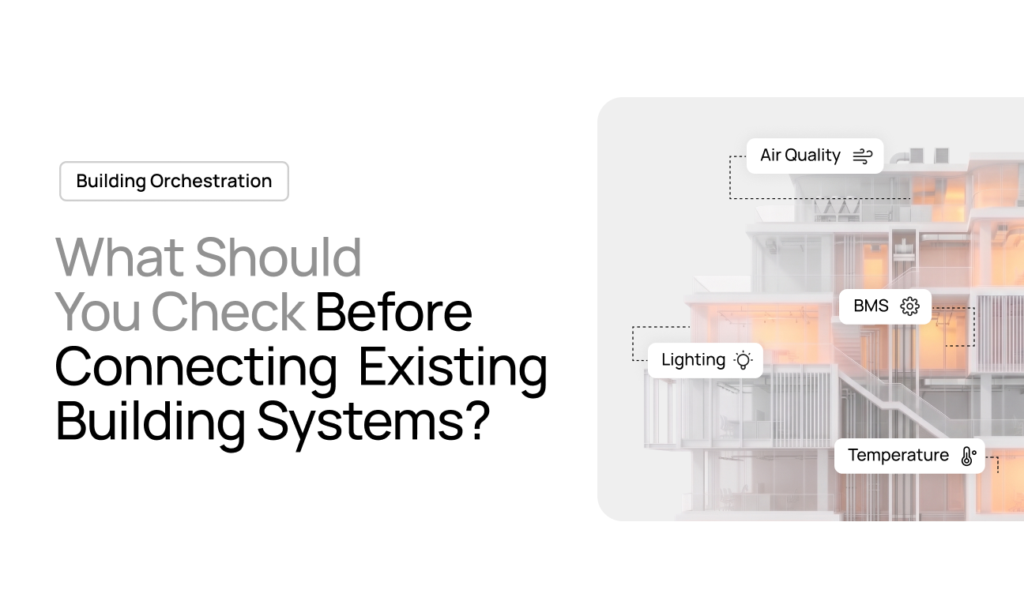
Hearing “Yes, we can integrate with your BMS” is a good starting point when you evaluate a building platform. However,…
Read more
Your tenant already knows there’s a problem. Why don’t you? A conference room slowly warms throughout the morning. CO₂ levels…
Read more